
Story 5: The Music Room That Sings
Modern Music Studio — 8 AI terms: Audio Generation, Text-to-Speech, Voice Cloning, Beat, Melody, Stem, Loop, Mixing
1. Story (Days 1–2): Read the text with no pictures
Your child becomes the illustrator — ask, “What did you see?”
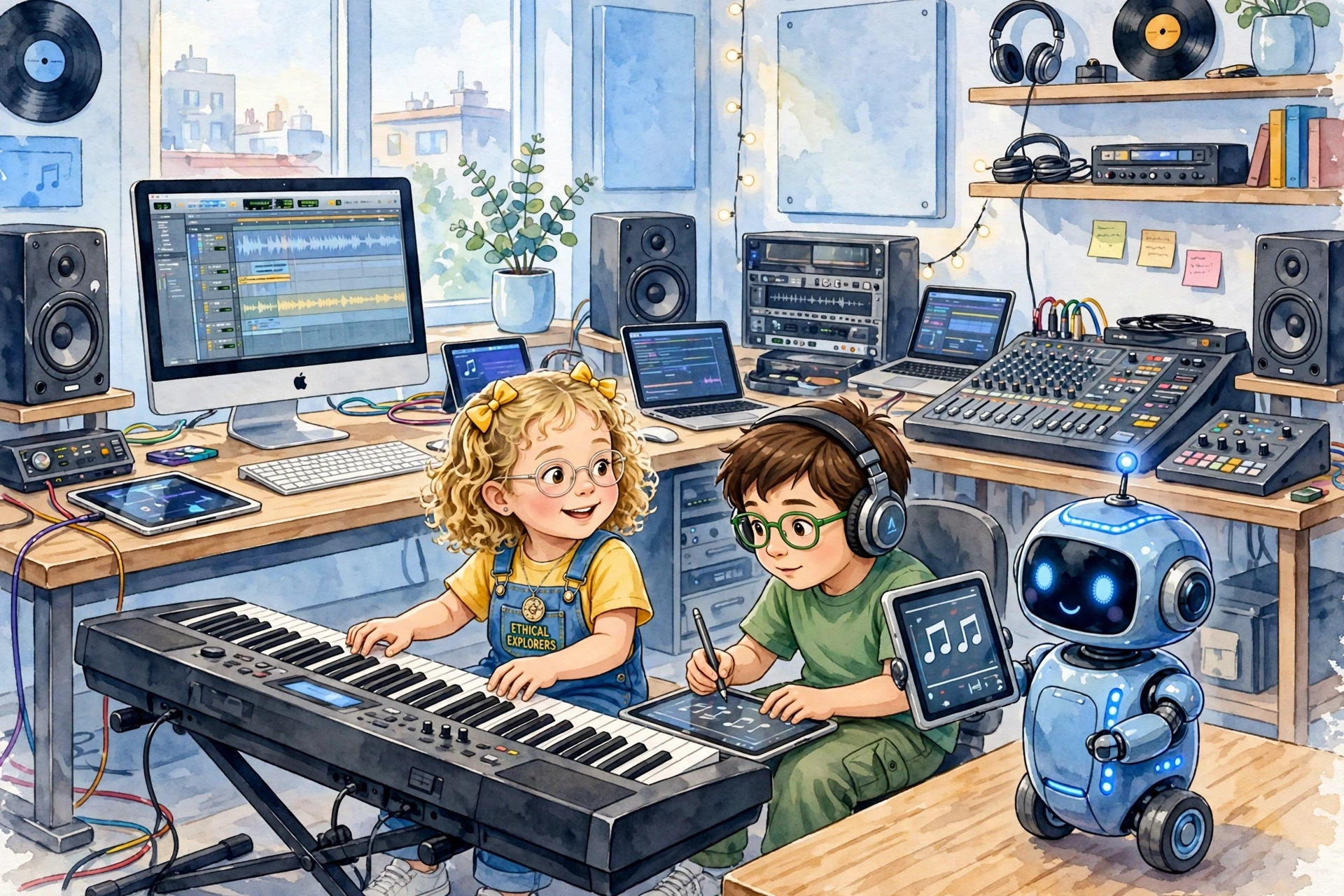
Lina, seven with blonde curly hair and yellow bows, and Umar, eight with brown hair, love the modern music room where computers, laptops, and tablets make songs with AI today.
This is not an old piano room — it has an electric keyboard that glows, computers humming, tablets showing notes, and Pip the bot with headphones.
Lina sits at the electric keyboard and plays da-da-dum, and making new sound from nothing is called Audio Generation.
Umar types “Hello, Pip!” on his computer and Pip says it out loud, and turning text into voice is called Text-to-Speech.
Pip learns to sound like Lina, and copying a voice kindly with permission is called Voice Cloning.
The thump-thump that makes you tap your feet is called Beat.
The tune you can hum is called Melody.
When AI separates drums from singing, separating parts is called Stem.
A short part that repeats and repeats is called Loop.
Putting all parts together nicely is called Mixing.
Lina plays electric keyboard — her fingers make bright Audio Generation.
Umar on his computer uses Text-to-Speech to make Pip sing “Twinkle, twinkle, little star.”
Pip tries gentle Voice Cloning to sing like Lina, with permission.
Together they find a fun Beat: boom-clap, boom-clap.
Lina adds a sweet Melody on the electric keyboard.
Umar clicks Stem to pull out just drums from their song.
He makes a short Loop that repeats la-la-la.
Then they do Mixing on the laptop, making keyboard and voice balanced.
Good music AI uses Audio Generation and Text-to-Speech to create, and kind Voice Cloning only with permission.
It keeps Beat and Melody together, uses Stem to separate, Loop to repeat, and Mixing to make it shine.
Lina, Umar, and Pip learn that AI is a co-pilot for music — one child on electric keyboard, one child on computer composing, together.
No parents, just two kids and a bot, in a modern room full of computers, laptops, tablets, and one glowing electric keyboard.
2. Image 1 — Association Anchor (Days 3–4)
Reveal the first image. It anchors what your child already imagined, and introduces the day’s AI vocabulary by pointing to and naming the tech icons in the picture.

3. Meet a Special Word (one per day)
Eight AI pre-literacy words are introduced gradually through simple metaphors — see the table below.
4. Quiz — Did You Catch It?
A short check-in, asked aloud or answered by clicking, to confirm the new word landed.
1. What is Audio Generation?
2. What is Text-to-Speech?
3. What is Voice Cloning?
4. What is Beat?
5. What is Melody?
6. What is Stem?
7. What is Loop?
8. What is Mixing?
5. Image 2 — Creator Prompt (Day 5)
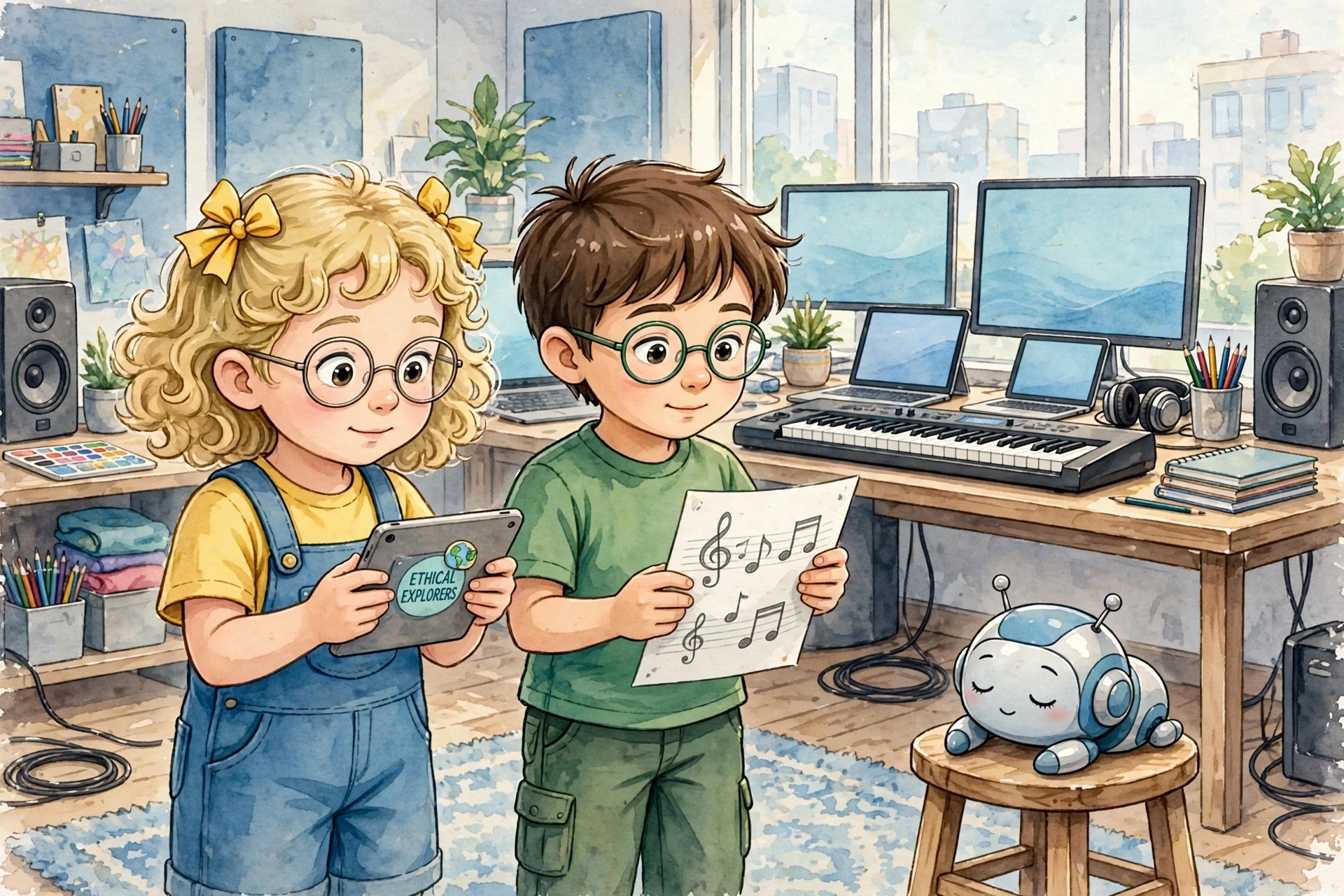
This image never appears in the story text. It’s an open invitation for your child to become the author of something new, using the words they’ve just learned.

6. Bring It Together (Days 6–7)
Your child retells the whole week in their own words — the original story, what they noticed in Image 1, and the new story they invented from Image 2. The family listens and celebrates; there’s nothing to correct. In a classroom, this doubles nicely as a weekly show-and-tell.