
Story 1: The Workshop Where Pip Learns to Listen
Home Workshop — 8 AI terms: Voice Input, Wake Word, Denoise, Transcription, Intent Detection, Context Window, Sensor Fusion, Calibration
1. Story (Days 1–2): Read the text with no pictures
Your child becomes the illustrator — ask, “What did you see?”
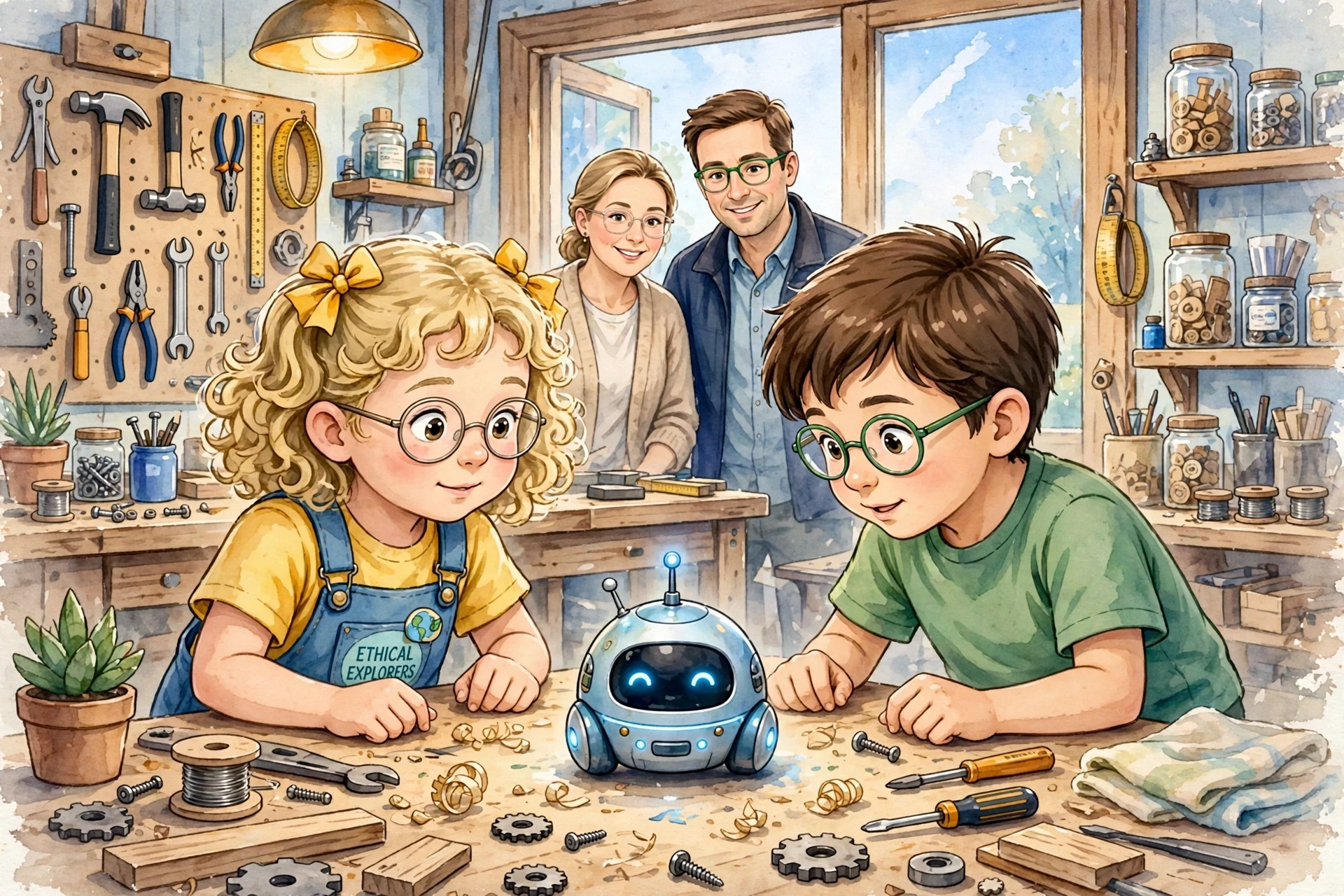
Lina, who is seven with blonde curly hair and little yellow bows, and Umar, who is eight with brown hair, love Grandpa’s cozy home workshop where wood smells warm.
In the middle of the bench sits Pip, a small round helper-bot who blinks soft blue when it wants to learn how to listen like real AI today.
Grandpa says Pip needs Voice Input to start, and Voice Input is the sound of your voice given to AI so it can understand you.
Lina says “Hey Pip!” loudly, and that magic phrase is the Wake Word, the special word that tells AI to wake up and listen.
The saw buzzes loudly, but Pip knows how to Denoise, which means to clean the noise and keep only the important voice.
Pip turns the sound into words on a screen, and that turning sound into text is called Transcription.
Umar asks “Can you find my hammer?” and Pip figures out what he wants, and finding what someone wants is Intent Detection.
Lina says the workshop is bright near the window, and remembering the last few sentences to understand now is called Context Window.
Pip uses ears and eyes together to understand, and using many sensors together is called Sensor Fusion.
Grandpa turns a tiny dial so Pip hears better, and fixing sensors to be accurate is called Calibration.
When Lina gives clear Voice Input and says the Wake Word, Pip wakes up right away.
Even with hammer banging, Pip can Denoise the room and listen to just Lina.
Pip’s Transcription shows “find my hammer” on its screen, and Lina claps because Pip heard correctly.
Knowing Umar wants help finding, not hiding, the hammer is smart Intent Detection.
Because Pip remembers Lina said hammer was near the blue box, its Context Window helps it remember.
By mixing sound and camera sight, Pip’s Sensor Fusion finds the hammer under wood shavings.
After Grandpa does quick Calibration, Pip hears whispers even from across the bench.
Every good AI today needs clean Voice Input and a clear Wake Word to start.
It must Denoise the world, make a correct Transcription, and do good Intent Detection to help.
It must keep a good Context Window and use Sensor Fusion to see and hear together.
And it must do regular Calibration so its ears and eyes stay true, just like real co-pilot AI in phones and homes today.
Lina hugs Pip and says “You listened like my tablet does!” and Umar adds “You are a real creative co-pilot.”
The workshop glows warm and blue, and Pip blinks twice, ready to listen, understand, and build the future together.
Grandpa smiles and says “This is how we team with AI — not by shouting, but by teaching it to listen well.”
2. Image 1 — Association Anchor (Days 3–4)
Reveal the first image. It anchors what your child already imagined, and introduces the day’s AI vocabulary by pointing to and naming the tech icons in the picture.
3. Meet a Special Word (one per day)
Eight AI pre-literacy words are introduced gradually through simple metaphors — see the table below.
4. Quiz — Did You Catch It?
A short check-in, asked aloud or answered by clicking, to confirm the new word landed.
1. What is Voice Input?
2. What is a Wake Word?
3. What does Denoise mean?
4. What is Transcription?
5. What is Intent Detection?
6. What is Context Window?
7. What is Sensor Fusion?
8. What is Calibration?
5. Image 2 — Creator Prompt (Day 5)
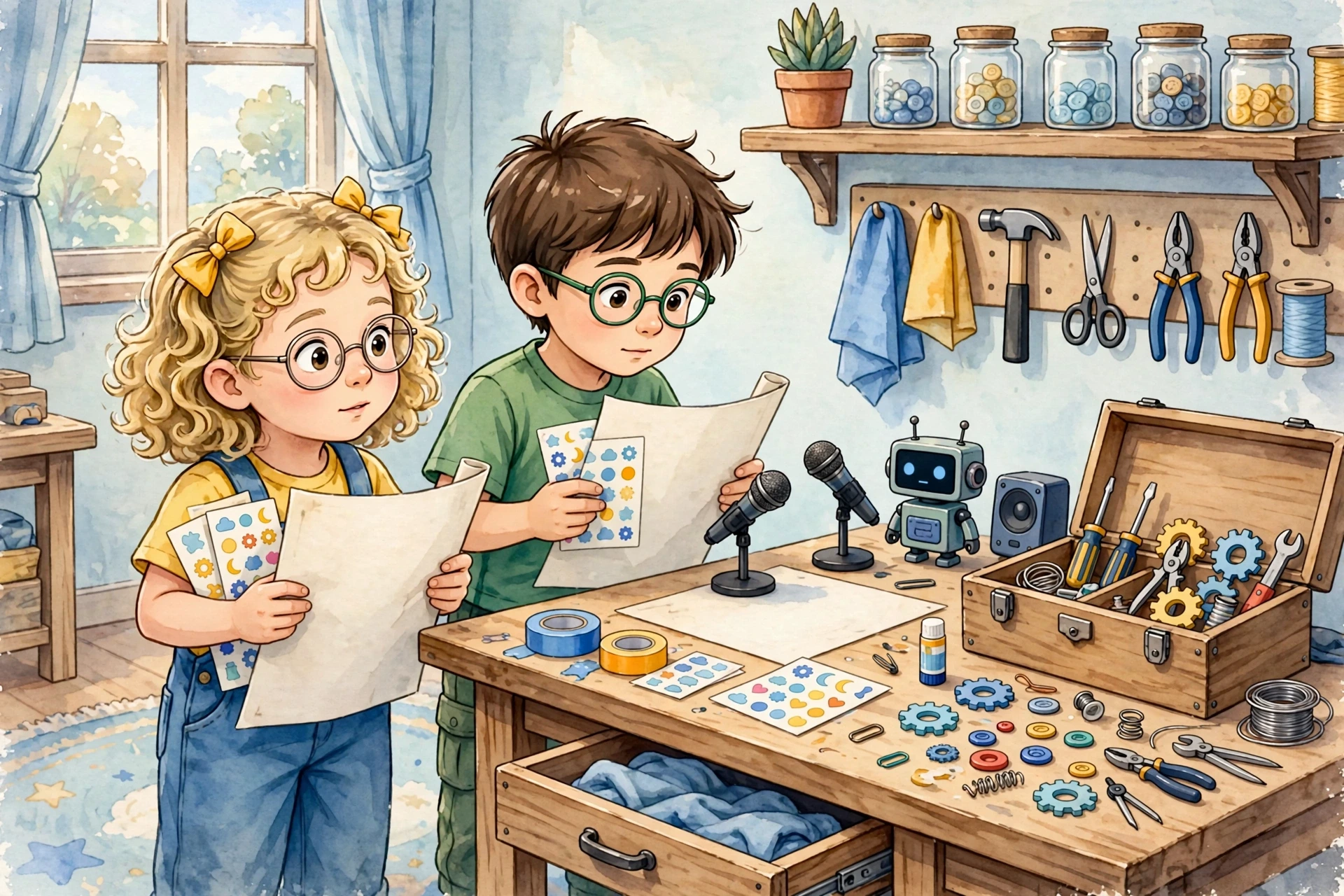
This image never appears in the story text. It’s an open invitation for your child to become the author of something new, using the words they’ve just learned.
6. Bring It Together (Days 6–7)
Your child retells the whole week in their own words — the original story, what they noticed in Image 1, and the new story they invented from Image 2. The family listens and celebrates; there’s nothing to correct. In a classroom, this doubles nicely as a weekly show-and-tell.