AI Pre-Literacy Story 2: The Two Pilots
Grandpa’s flight simulator — landing day · 8 words one per day · AI Pre-Literacy story
1. Story — Text-Based (Day 1-2: Imagination Studio)
Read this AI Pre-Literacy story with NO pictures first. Child becomes illustrator.
Grandpa has a flight simulator in the back room. Two seats. Two wheels. One wide screen full of sky.
Lina is six. Omar is seven. They climb into the two seats. Grandpa sits behind them on a wooden stool. Pip sits on the dashboard between them — a small blue light, a soft voice, one camera eye.
“You are the pilots,” says Grandpa. “Pip is the co-pilot. When Pip lights up to help, that is Copilot Mode. The machine helps. It does not take over.”
Lina puts her hands on her wheel. Omar puts his hands on his.
“Take off,” says Pip. “Throttle full. Pull back at seventy.”
Omar pulls back. The runway drops away. The sky fills the screen.
“Smooth,” says Lina. “Pip, can you land it when we come back around?”
“I can help,” says Pip. “I can hold the wheel if you ask. That is Assistive AI — a machine that makes you stronger, not smaller.”
“Then let Pip land,” says Lina. “Pip does not get tired.”
“No,” says Omar. “I want to land it. I have been practicing.”
“You have not practiced,” says Lina.
“On the tablet,” says Omar.
“That is not the same,” says Lina.
“Then you trust Pip more than me,” says Omar.
The clouds thin. The runway shows up on the screen. It is coming fast.
“I am ready to help,” says Pip. “Say the word.”
Lina says it. “Pip, land it.”
Omar says nothing. He does not let go of his wheel.
Pip’s hands are on the controls. Omar’s hands are on the controls. Both pull. Neither lands.
The plane dips left. Then right. The nose drops.
The runway passes. The plane hits the grass at the far end. The screen flashes RED. The word is LOST.
The room is very quiet.
“That is the cost,” says Lina. “We lost the landing.”
“You lost it,” says Omar, “when you called Pip.”
“You did not say you wanted to land,” says Lina.
“You did not ask,” says Omar.
Grandpa does not fix anything. He asks one question. “Whose hands were on the wheel?”
“Both,” says Lina.
“Then that is what happened,” says Grandpa. “A Handoff is when one pilot passes control to another. It has to be clear. One lets go. One takes it. And it must be watched — a person must always be watching the handoff. That is Oversight.”
“But Pip said ‘ready,'” says Omar.
“Pip was ready,” says Grandpa. “But Pip did not know your hands were still on the wheel. A Handoff needs a yes, not just a ready.”
They look at each other. “So we ask,” says Lina. “And we wait for the answer.”
“And only one of us flies at a time,” says Omar.
“That is Shared Autonomy,” says Grandpa. “Both can fly. One flies now. The other waits. That is Teaming — a person and a machine, one crew.”
“And if I want to write the rule down?” says Lina.
“Then you write it with Pip,” says Grandpa. “That is Pair Programming — side by side, one instruction. Every flight has one Goal — to land safely. Every handoff must take you closer to that Goal, not further away.”
They write three lines on a piece of paper taped to the dashboard. Before a handoff, the pilot says “Ready?” The other pilot says “Yes.” Then the first pilot lets go. Not before.
They fly again. The sky. The clouds. The runway coming up.
“Pip, ready?” says Lina. “Ready,” says Pip. “Your call.”
“Omar?” says Lina.
“Yes,” says Omar.
Lina lifts her hands. Omar takes the wheel. The plane lands soft and straight. The screen shows GREEN. The word is LANDED.
Lina holds the throttle. Omar holds the wheel. Pip reads the wind and calls out the numbers — soft, clear, on time. Three of them in a small dark room with one bright screen, and a runway that knows exactly who is flying.
2. Image 1 — Association Anchor (Day 3-4)
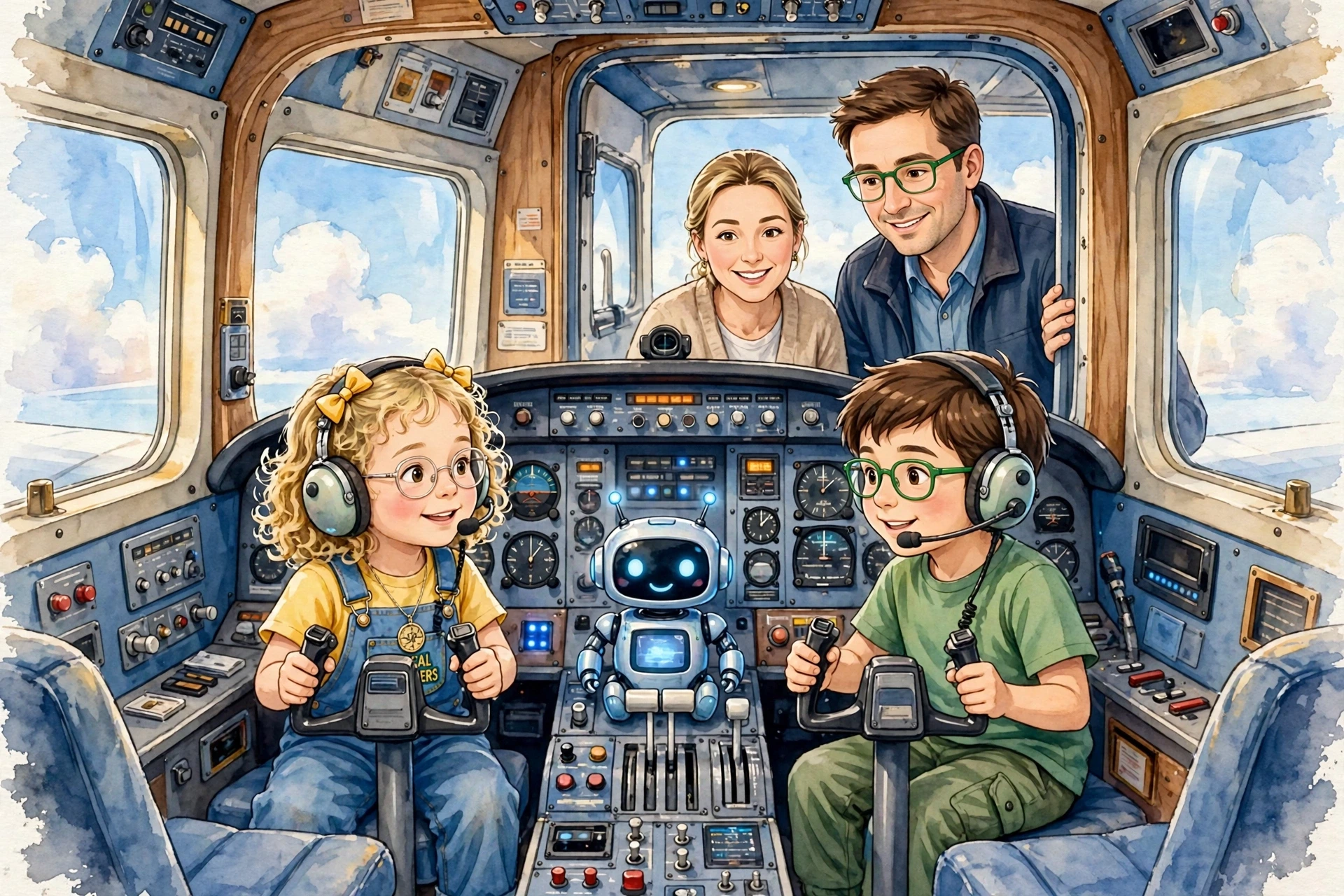
Top of Image 1 — This is what you just read, now you can see it.
3. What is the purpose of this Image 1?
Direct resemblance to this AI Pre-Literacy story — Grandpa’s flight simulator in the back room. The two seats with Lina and Omar each holding a wheel. The wide screen showing sky and clouds and a runway in the distance. Pip on the dashboard between them — small blue light, camera eye, screen glowing. Grandpa behind them on the wooden stool. The piece of paper taped to the dashboard with the three handoff lines written on it.
Use Day 3-4: Point and name — Where is Lina’s wheel? Where is Omar’s wheel? Where is Pip on the dashboard? Where is the screen, and what is showing on it — sky, or runway, or RED text? Where is Grandpa? Where is the piece of paper taped to the dashboard? Now look at the two sets of hands on the two wheels. Both hands are on the wheels at once. What happened when both pulled? That is where the story’s cost came from. A Handoff needs one pilot to let go.
4. Meet Your 8 Special Words — One Per Day
AI Pre-Literacy · Story 2 · Tap a card to hear the word
5. Quiz — Did You Catch It?
Story 2 Quiz — tap the answer
1. Which word means: “The state where a machine lights up to help — but does not take over”?
2. Which word means: “A machine that makes you stronger, not smaller”?
3. Which word means: “One pilot passes control to another — clearly, one lets go, one takes it”?
4. Which word means: “Both can fly. One flies now. The other waits”?
5. Which word means: “A person and a machine, working as one crew”?
6. Which word means: “Side by side, writing one instruction together”?
7. Which word means: “A person watching what the machine does”?
8. Which word means: “What we want to happen — to land safely”?
6. Image 2 — Creator Prompt (Day 5: Imagination Studio)
This image is NOT in this AI Pre-Literacy story — this one is YOURS.
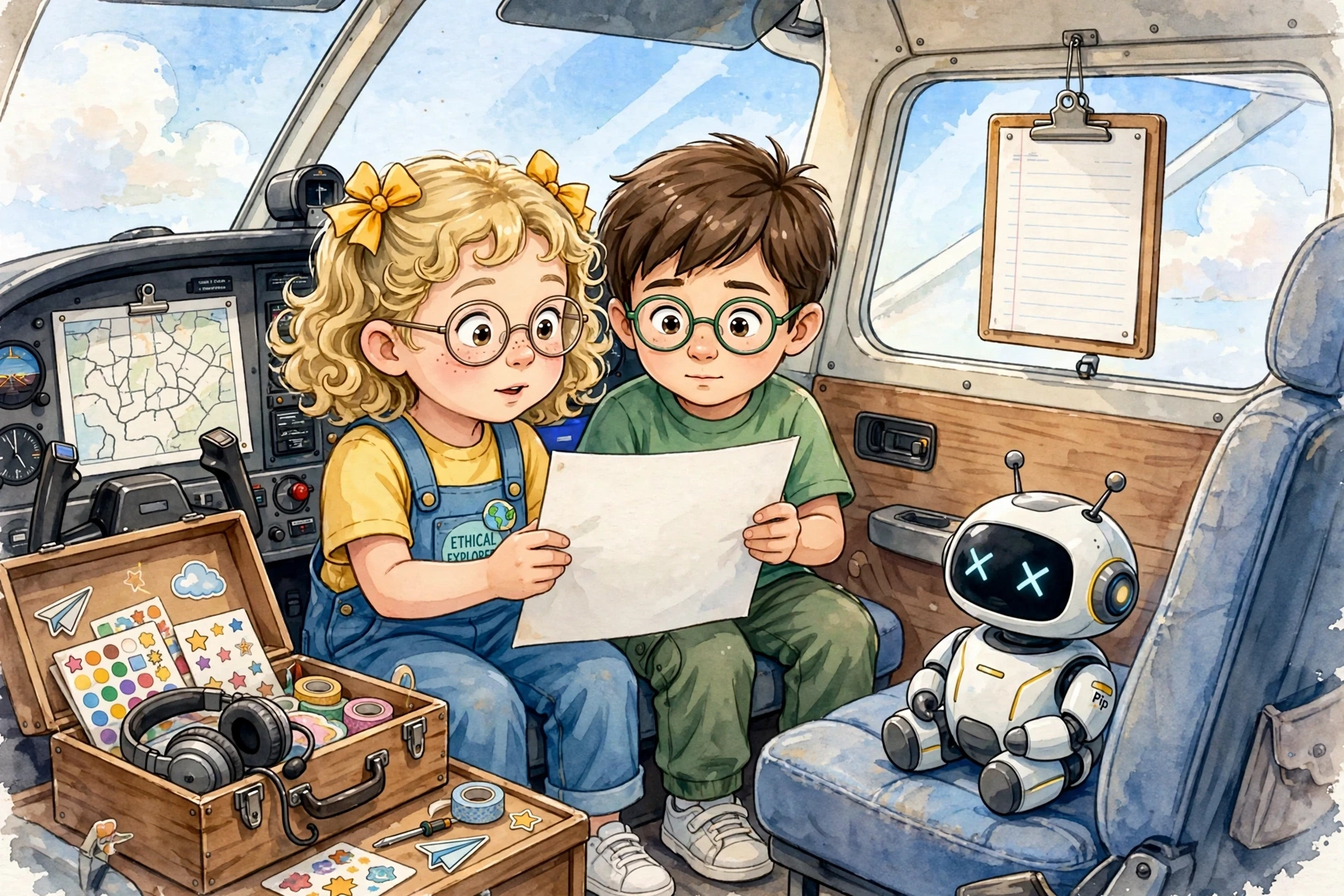
Look at this picture together. You already know Lina and Omar and Pip. You know what happened in the flight simulator. Now this picture shows you something new — something that did not happen in the story.
Ask your child: Who is in this picture? Where are they? What are they flying, or driving, or steering? Is Pip here too? Who is the pilot right now — and who is waiting? What would you tell Pip to do? What should Pip do if you are not sure?
Let your child tell you the story out loud. Do not correct it. There is no wrong answer.
Then, if they want to, they can draw it.
For Parents & Teachers
Loading…